11.7 pts
Gap between men (52.9%) and women (41.2%) using generative AI at work in high-exposure roles like retail sales and accounting.
A hands-on, beginner-friendly session for women leaders and founders in Canada who want to get confident with AI. Bring one real task from your week. Leave with a workflow that does it for you.
FREE · LIVE ON GOOGLE MEET · NO TECHNICAL BACKGROUND NEEDED
“Everyone around me seems to be using AI, and I don't know where to start.”
“I tried it once, got a generic answer, and went back to doing it myself.”
“I'm not sure what's safe to use with my team or my clients, so I just don't.”
“I don't have time to experiment. I need something that works this week.”
You're not behind because you lack ability. Prompting is a skill, and like any skill it takes guided practice to get started. This session is that practice.
AI fluency is quickly becoming part of how work gets judged and how businesses grow. In Canada, women are adopting it more slowly than men.
11.7 pts
Gap between men (52.9%) and women (41.2%) using generative AI at work in high-exposure roles like retail sales and accounting.
64%
Share of Canadian workers who did not use generative AI at work in the past year. Most people are still at the start.
88¢
What women earned for every dollar earned by men in average hourly wages in 2025. Skill gaps today can widen pay gaps tomorrow.
Sources: Statistics Canada, Use of generative AI tools among Canadian workers (2026); Statistics Canada, The gender wage gap persists.
The BUILD framework: Brief, Upgrade, Integrate, Link, Delegate. One card that turns vague answers into useful ones.
Messy meeting notes become action items, a follow-up email and a status update for your team or clients, saved as a template you reuse every week.
A prompt card, ready-to-use templates and ground rules for using AI safely at work.
Laptops open. You'll follow along in your own AI assistant, and every prompt is pasted into the chat so you can copy it.
Why now, without the fear, and the ground rules for using AI safely at work
The BUILD framework, live: write a real brief, improve the first draft, bring in your files, and save a reusable workflow
Build a workflow, live: meeting notes to action items, a follow-up email and a status update for your team or clients
Make it visible: log the time you saved and turn it into a win you can share
Live Q&A and your next step
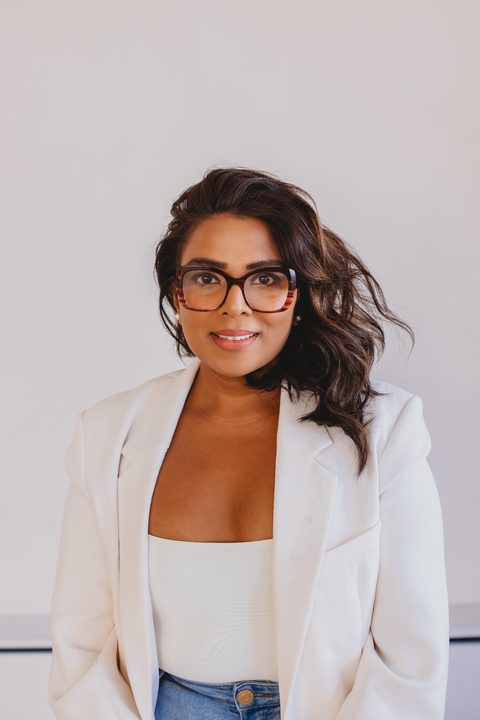
Founder, Ro & Co Consulting
With over a decade advising leaders through growth, change, and complexity, Rovita partners with executive teams who are building organisations that matter. Her work sits at the intersection of leadership judgment, organisational design, and future-focused people strategy — particularly where decisions carry real commercial and human consequences.
Ro & Co is an advisory firm specializing in Fractional Executive HR and Workforce AI Adoption.
Yes. The live session and the BUILD Starter Kit are free. At the end we'll share an optional paid program for anyone who wants weekly support afterward. There is no obligation.
No. If you can write an email, you can do this. We go step by step and every prompt is shared in the chat so you can copy it.
Whichever one you have. The steps work in Microsoft Copilot, ChatGPT, Google Gemini and Claude. If your organization has an approved tool, use that one.
Not in a public tool. We cover what's safe to share and give you sample data to practise with, so you never need to paste anything confidential.
A replay is available to registrants for 72 hours. The live Q&A only happens live, so join if you can.
Tuesday, December 8 · 12:00–1:00 PM ET · Live on Google Meet
Registration takes a minute. You'll get a calendar invite and the Google Meet link by email.
Trouble registering? Register on Luma →
Also not sure where you stand? Take the free 3-minute AI Readiness Score →